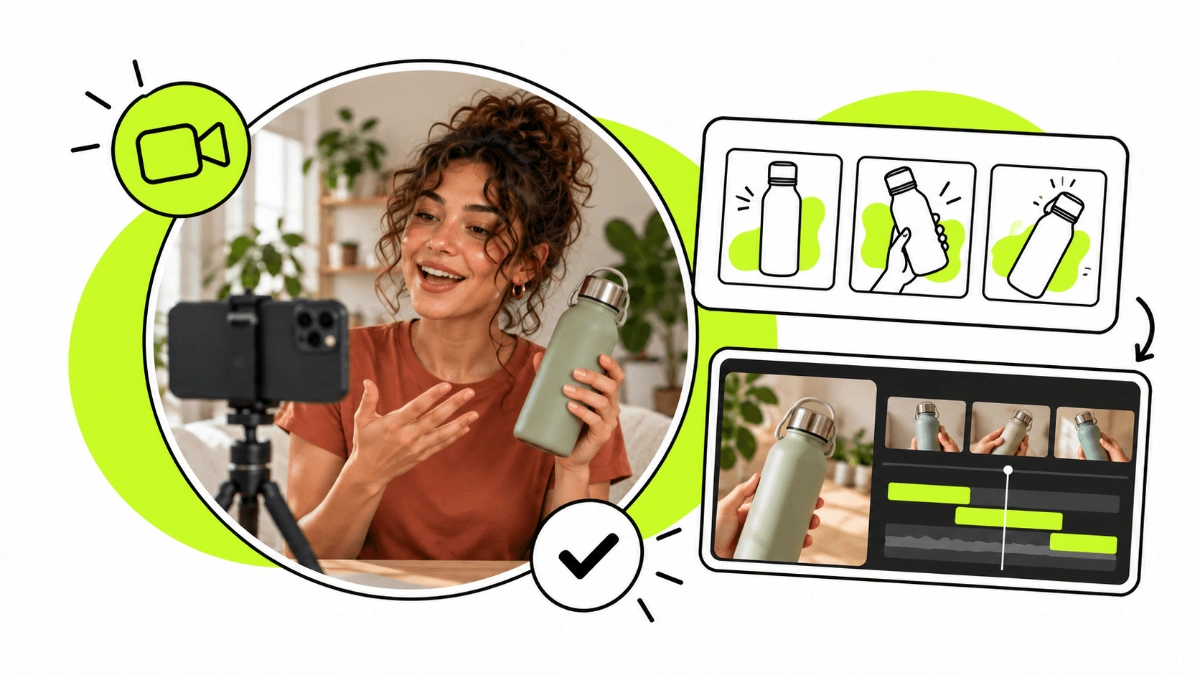
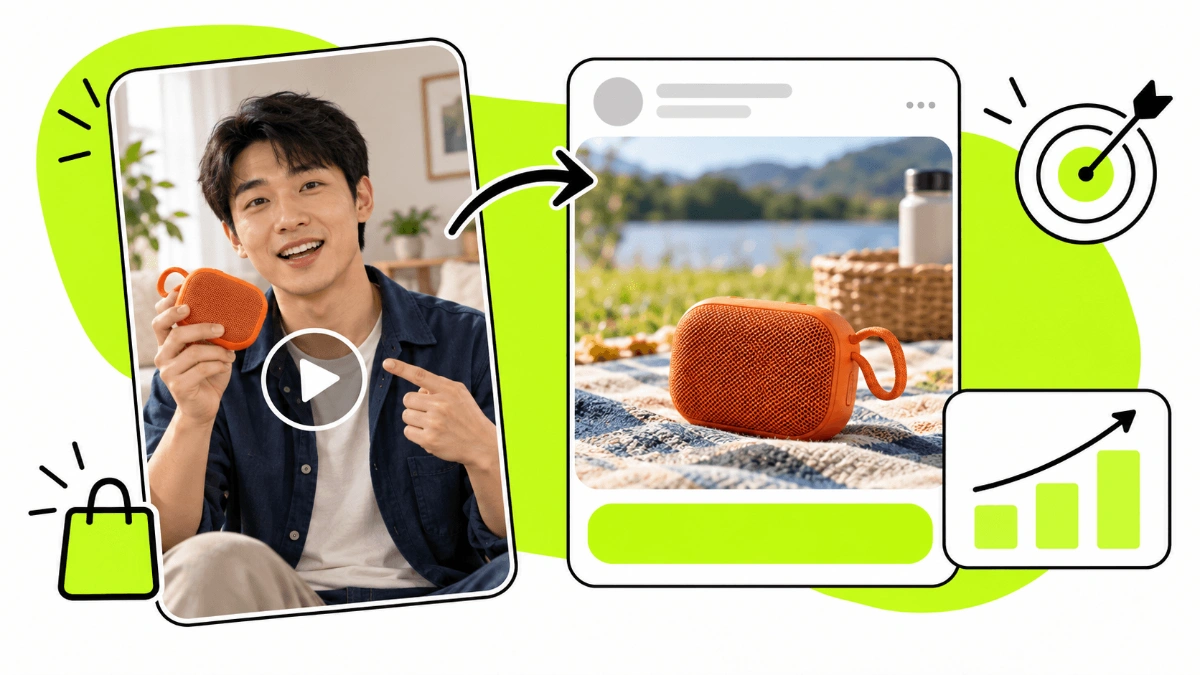
UGC videos for ads let brands present their products or services through content that features real people and speaks the everyday language of social media.
Product demos, testimonials, tutorials, unboxings or talking-to-camera videos can all become ad creatives for campaigns on Instagram, Facebook, TikTok, YouTube and other platforms.
But using UGC in advertising isn't just about filming a video on your phone and putting budget behind it. The concept, the creator, the hook, the message, the editing, the usage rights and the different versions you test can make a big difference.
What are UGC videos for ads?
UGC videos for ads are ad creatives that use the language, formats and look of user-generated content.
Instead of relying only on product shots or traditional brand ads, they show a person using the product, explaining how it works, showing its features or fitting it into an everyday situation.
If you'd like to dig into the concept first, read our guide on what UGC content is.
Some common formats of UGC videos for advertising are:
Product demos.
Unboxings.
Testimonials.
Tutorials.
Problem-solution videos.
Comparisons.
Voice-overs.
Talking-to-camera videos.
Lifestyle content with the product built in.
This content can come from real customers or be created specifically for a campaign by a UGC Creator.
When you work with a creator, the brand can define the brief, key messages, required shots, video style and the different versions it wants to test in advance.
Why use UGC videos in ad campaigns?
One of the main advantages of UGC videos is that they let you present a product using formats that feel familiar to social media users.
On Instagram, TikTok or YouTube Shorts we're used to watching vertical videos, people talking to camera, tutorials, reviews, demos and content shot on a smartphone.
Advertising with UGC can use that same visual language to present a product or service.
Video also shows things a static image can hardly explain in the same detail: how a product works, how it's used, how big it is, what its texture is like or how it fits into a real situation.
It also lets you work with different creative angles within the same campaign. For example, a brand can test a demo, a testimonial and a tutorial to see which type of content resonates best with its audience.
That doesn't mean a UGC video will always outperform a traditional creative. Performance depends on the product, the offer, the audience, the message, the platform and the creative itself.
That's why the smartest approach is to treat UGC as a creative line you can test and compare with others in your campaigns.
What makes a good UGC video for ads?
Every product and campaign needs a different approach, but a few elements can help you build a clearer, more effective creative.
A hook that grabs attention
The first few seconds of the video are especially important.
The hook needs to give viewers a reason to keep watching. It can present a problem, show the product straight away, set up a relatable situation or spark curiosity.
For example:
“If you have this problem every morning, try this.”
“I've been using this product for a week and here's what I've noticed.”
“I didn't get why everyone was talking about this until I tried it.”
The goal isn't to use over-the-top lines, but to find an opening that quickly connects with the audience the ad is aimed at.
A relatable problem or need
In many cases it helps to show a situation your target audience can recognise before introducing the product.
The problem doesn't always have to be explained by talking to camera. It can also be shown visually through an everyday scene.
The product in action
One of the main advantages of UGC video is being able to show the product while it's being used.
Whenever it makes sense, combine different shots, demos, product close-ups and usage situations.
That way viewers quickly understand what you're promoting and how they could use it.
Clear benefits
The video should help answer a very simple question:
Why should I care about this product?
Rather than just listing technical features, try to explain what those features mean for the person who might buy it.
A call to action
The end of the video can tell people what you want them to do after watching.
Depending on the campaign goal, that might be buying, discovering the product, requesting information, downloading an app, signing up or visiting a page.
Types of UGC videos for advertising
There's no single UGC video format that works for every campaign. Testing different concepts helps you find out which angles work best for your product and audience.
Testimonials
A person shares their experience with the product or service, the need they had and what they found useful.
Testimonials should be credible and based on real experiences. Don't attribute results or experiences to the creator that they haven't actually had.
Product demos
The creator shows directly how the product works.
This format is especially useful when seeing the product in action quickly explains what it does or what makes it special.
Unboxing
The creator opens the package, shows the product and shares first impressions.
It makes sense when the packaging, the presentation or the experience of receiving the product are part of what you want to communicate.
Problem and solution
The video opens by showing a situation or need, then presents the product as a possible solution.
This format quickly explains why the product exists and who it's for.
Tutorials
They explain how to use the product step by step.
As well as showing its features, they help viewers picture how it could fit into their own routine.
Lifestyle videos
The product appears within an everyday situation: making breakfast, working out, travelling, working, doing make-up or any other activity related to how it's used.
Voice-over
The creator films different shots of the product and then adds a narration.
This format lets you create dynamic videos without the creator having to talk to camera the whole time.
How to get UGC videos for your campaigns
There are several ways to get UGC videos to use in advertising. The best option depends on how much content you need, your budget and how much control you want over production.
Use content from your own customers or users
Your customers may create reviews, testimonials, videos using the product or spontaneous social media posts.
This content can be especially valuable because it comes from real experiences with your product or service.
However, just because someone posts a video mentioning your brand doesn't mean you can automatically use it in ads. Before turning it into a creative for paid campaigns, you'll need the relevant permissions and usage rights.
Ask your customers or users for UGC directly
Another option is to actively encourage customers to create content after they buy.
You can ask for a video review, include an invitation in the packaging, send a post-purchase email or run a specific initiative to encourage your community to share their experience.
The difference from the previous case is that here the brand actively drives the creation of UGC, instead of just finding content customers have already published.
Work directly with UGC Creators
If you need content made specifically for a campaign, you can hire UGC Creators and give them a brief with the concepts, messages, formats and deliverables you need.
Unlike a collaboration based on an influencer's reach, follower count doesn't have to be the main factor. What matters is finding profiles who can represent your audience and present the product naturally.
You can work with different creators to test different profiles, styles, ages, languages, settings and ways of presenting the product.
If you want to manage this process yourself, you can do it through Huuk, a UGC platform where brands can find UGC Creators and manage their collaborations.
Work with a UGC agency
When you need to produce more content, work with several creators or hand off campaign management, another option is to work with an agency that specialises in UGC.
In this case the agency can take care of tasks such as selecting profiles, negotiating, communicating with creators, briefs, follow-up, revisions and delivery.
byCreators is our UGC agency for companies that prefer to hand off the full management of their creator campaigns.
Usage rights for UGC ad videos
This is one of the most important points to settle before using UGC in paid campaigns.
Paying for a video to be made doesn't necessarily mean you have unlimited rights to use it in advertising.
Before a collaboration starts, the brand and the creator should agree on:
Which channels the content can be used on.
Whether it will be used in paid advertising.
How long it can be used for.
In which markets or territories, when relevant.
Whether the brand can edit the content or create new versions of it.
Whether the content will run from the brand's accounts or the creator's profile.
Usage rights for advertising usually come at an extra cost on top of the content creation fee. As a reference, they can be calculated as a percentage of the video's base price; for example, an extra 50% for 3 months of use in ads.
This percentage is only a guide: the price can vary with the licence length, channels, territory and the terms agreed between brand and creator.
So don't assume that receiving the file means you can use it forever on any platform. Usage rights and their duration should be agreed from the start.
If you're putting together a campaign budget, you can also read our guide on how much a UGC Creator charges.
How to test different UGC videos in your campaigns
One of the most common mistakes is producing a single video and expecting that creative to carry the whole campaign.
In advertising it's more useful to work with different concepts and creative variations.
You can test:
Different creators.
Different hooks.
Different problems or needs.
Variations of the call to action.
Testimonial versus demo.
Talking-to-camera versus voice-over.
Different lengths.
Different opening shots.
Editing variations.
You don't always need to produce a completely new video to test another creative.
For example, you can keep the main body of the video and film several different hooks. That way you get multiple versions to test without redoing the whole shoot.
Your campaign data can then help you identify which concepts, messages and styles are worth developing further.
How to use UGC videos in Meta Ads
UGC videos can be used as creatives in Instagram and Facebook campaigns through Meta Ads.
For placements like Reels, it's worth adapting the content to the vertical format and to the kind of videos people usually watch there.
That can include:
Vertical video.
A person or the product visible from the start.
Easy-to-read text.
Different shots.
A pace that suits the message.
Subtitles where needed.
A clear call to action.
Depending on the type of collaboration, you can also work with content published by creators and use the tools Meta offers for brand-creator partnerships.
In any case, make sure you have the necessary permissions and the usage rights agreed with the creator.
And remember: using a UGC format doesn't guarantee better results on its own. What matters is testing different concepts and analysing how your audience responds.
How to use UGC videos in TikTok Ads
TikTok is another platform where UGC videos fit in naturally, given the kind of content its users watch.
Brands can create ads with their own creatives or, where appropriate, promote content published by creators using the platform's advertising tools.
In these cases it's important to distinguish between two things:
the technical authorisation within TikTok and the commercial rights agreed with the creator.
The fact that the platform lets you promote a post doesn't replace agreeing in advance how, where and for how long that content can be used.
Creatively, try to adapt the video to TikTok's language rather than automatically reusing an ad designed for another channel.
How to use UGC videos in YouTube Ads
UGC can also be used as a creative in YouTube video campaigns run through Google Ads.
YouTube has different ad formats and viewing contexts, so the creative should be adapted to the specific format you'll use.
In some cases viewers can skip the ad after the first few seconds. That's why the opening of the video needs to get across an attention-grabbing idea quickly.
You don't need a TV-style production to use UGC on YouTube.
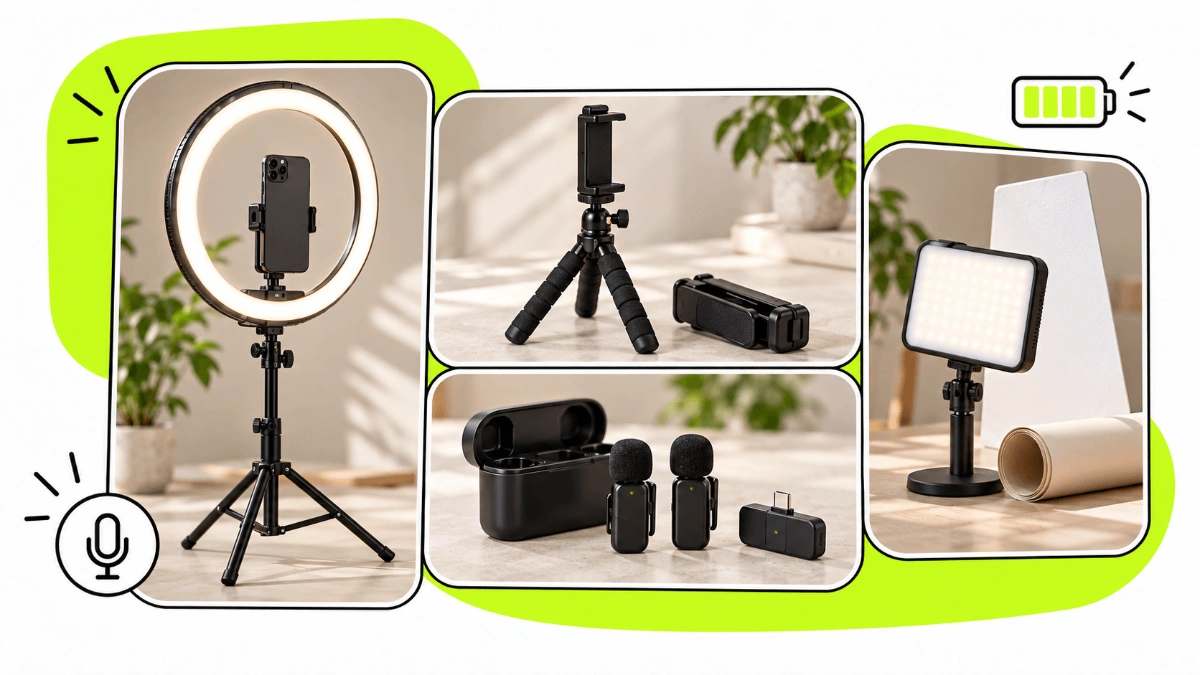
But natural doesn't mean low quality. The audio must be clear, the image sharp enough and the message easy to follow.
The key is finding a balance between the relatable look of UGC and an execution polished enough for advertising.
How to use UGC videos in retargeting campaigns
UGC videos can also be used in campaigns aimed at people who have already interacted with the brand.
At this stage the viewer probably already knows your product or company, so you don't necessarily have to use the same message you'd use to reach someone for the first time.
You can use the content to answer questions, add social proof, explain the product better or address possible objections before purchase.
Some formats that can work well:
Testimonials.
Use cases.
Tutorials.
Demos.
FAQs.
Comparisons.
Content focused on common pre-purchase questions.
What matters is adapting the creative to where the person is in their buying journey.
Mistakes to avoid when using UGC videos in ads
One of the biggest mistakes is thinking that UGC means improvised.
The content can have a natural, relatable look, but there should be a clear idea behind it of what you want to say, to whom and why.
You should also avoid:
Intros that run too long.
Taking too long to show the product.
Scripts that sound artificial or overly salesy.
Trying to explain too much in a single creative.
Using testimonials or claims the creator can't back up.
Neglecting audio quality.
Creating a single version without testing new hooks or concepts.
Using content without having agreed the usage rights for advertising.
Choosing a creator based only on follower count.
When you're looking for content to use in your own campaigns, the right creator isn't necessarily the one with the biggest audience, but the one who can present the product in the right way for the audience you want to reach.
How to start using UGC videos in your campaigns
If you haven't tried UGC in advertising yet, you don't need to produce dozens of videos from day one.
You can start by defining a few different creative concepts, choosing creators who fit your audience and producing several pieces with different hooks and angles.
Then test the creatives in your campaigns and use the results to decide which concepts, messages and profiles are worth developing further.
If you want to manage collaborations yourself, you can find UGC Creators on Huuk and run the process through the platform.
If you'd rather hand off profile selection, negotiation, communication, briefs, follow-up, revisions, delivery and payments, you can work with byCreators.
The goal shouldn't simply be to make a video and run it as an ad. A UGC advertising strategy works best when it lets you create, test and improve new creatives continuously.